
Overview
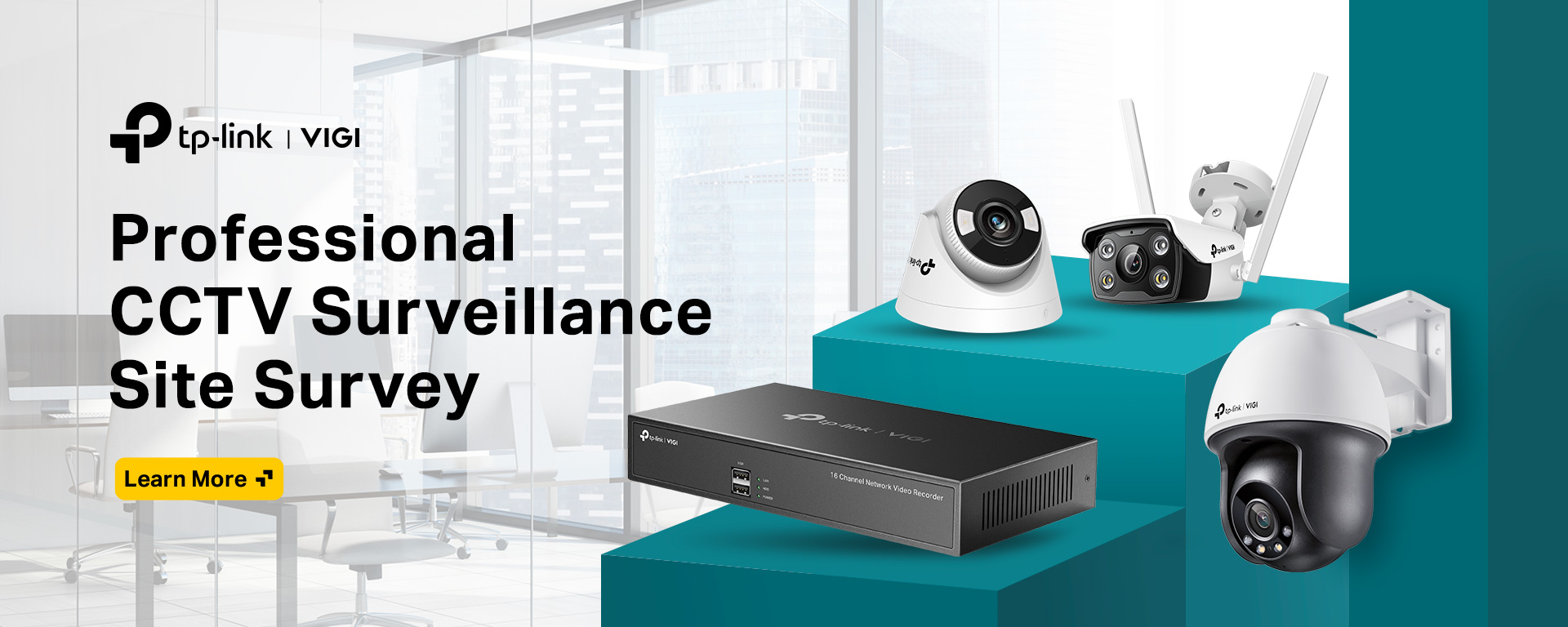
VIGI provides professional and reliable security solutions specifically designed for small and medium businesses. Built on the “4E” principle—Easy Planning, Installation, Setup, and Maintenance—our products (including cameras, NVRs, and solar panels) ensure your business stays secure with zero hassle. Whether it’s for a shop, school, or office, all VIGI devices work together seamlessly through the VIGI VMS for simple, centralized management.
Technology Introduce
VIGI ColorPro Night Vision
VIGI’s industry-leading ColorPro Night Vision technology enables its cameras to pierce the night and see everything in fine detail, even in extreme low-light conditions.
How VIGI ColorPro Night Vision Makes Difference?
1. Better Than the Naked Eye
Featuring high low-light sensitivity, VIGI’s ColorPro Night Vision produces unparalleled colors along with amazingly crisp images in ultra-low light conditions, which can’t be achieved with natural eyesight.
*ColorPro Night Vision Image was captured by VIGI C340S.

Naked Eye

ColorPro Night Vision
2. Beyond IR, Beyond Full-Color
Images captured by IR cameras or traditional full-color cameras will suffer from digital noise and the loss of detail. VIGI’s ColorPro Night Vision cameras reveal excellent image details even in extreme darkness.
*ColorPro Night Vision Image was captured by VIGI C340S.
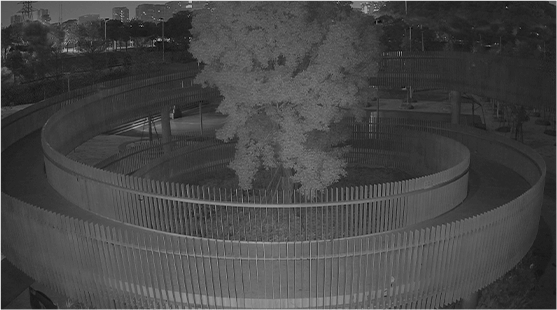
IR Night Vision

Traditional Full-Color Night Vision

ColorPro Night Vision
3. Less Light Pollution
Bright illumination is required by conventional full-color cameras to capture images at pitch-dark hours. But VIGI’s ColorPro Night Vision cameras delivers true color and bright imaging even in extremely low light with no spotlights needed, greatly reducing environmental light pollution.
*ColorPro Night Vision Image was captured by VIGI C340S.

More Light Pollution with
Traditional Full-Color Cameras

Less Light Pollution with
ColorPro Night Vision Cameras
Product Categories

Cameras

Network Video Recorders

Solar Power System
Platform Services


- Remote Management
- Integrated Live View and Playback Page
- Seamless Multi-View
- Quick Search Events Using Timeline, Dates and Event
- Instant Notifications and Two-Way Talk
- Device Sharing for up to 5 Users
- Auto Search and Add Devices in Batch
- Rich Toolkit* Assists Installers
- Easy Access to VIGI Cloud VMS or VIGI VMS
Overview
The VIGI App is a lightweight management tool designed for small environments like shops and cafés. It provides essential video monitoring features such as 24/7 live view, playback, and instant alerts. Its simple interface helps reduce installation, setup, and maintenance effort.


Enjoy Live View and Play Back in One Interface

Easily swipe along the timeline to replay footage directly on the live view screen—no extra steps needed.

Click event thumbnails to jump straight to the recorded clips for quick access.
Seamless Multi-View

Switch to multi-screen mode to view multiple camera feeds on one page—just scroll to see more.

In landscape mode, you can display up to 16 camera streams at the same time.
Efficient Monitoring

Instant Notifications
Receive real-time alerts to stay updated on any activity.
Visual NVR Dashboard
View the live status of connected devices and HDDs, check events, and control sound/light alarms with one click.

Two-Way Talk
Use voice intercom to listen and speak in real time, helping you monitor and deter intruders remotely.

Share Device up to 5 Users
Share access to NVRs, cameras, and channels with up to five users, with customizable permissions for better security.
Easy to Use

Auto Search & Add Devices
Automatically detects devices on the same LAN and adds them in batches, saving time and effort.

One App for NVR Initialization
Set up your NVR directly in the app without using the NVR interface, making the process faster and easier.

VIGI Toolkit* Assists Installers
Includes useful tools like Video Capability Calculator, Ping Test, Device Detection, and Lens Selection to improve installation efficiency.

Easy Access to VIGI Cloud VMS & VIGI VMS
No VPN or complex setup required. Just switch to “Enterprise Edition” and select “Organization” to access cloud or local VMS systems for easy multi-site management.
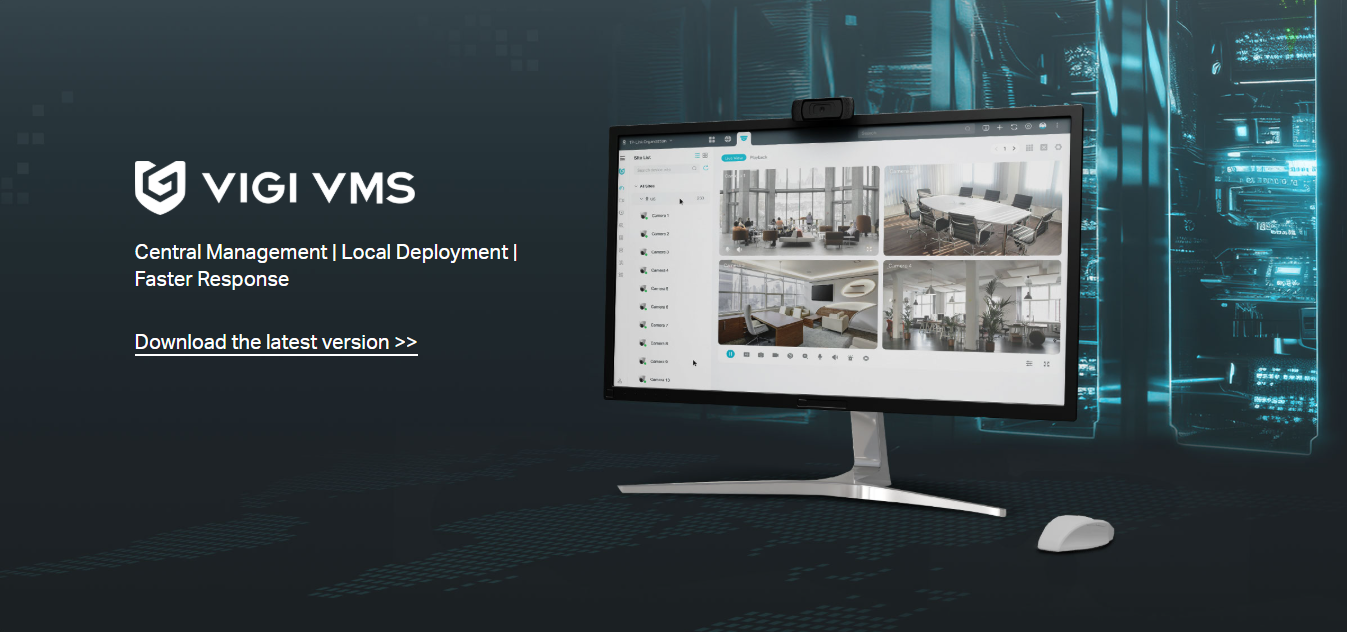

- Central Management
- Monitoring Center
- System Dashboard
- Virtual Map
- AI Monitoring
- Evidence Archive
Overview
VIGI VMS is a locally installed software for centralized management of medium-sized surveillance systems such as supermarkets, hotels, and schools. It supports live monitoring, user access control, alarm management, evidence collection, and map integration to improve overall security management efficiency.
1. 24/7 System Security

Always On,
Continuous Awareness
With local deployment, VIGI VMS provides stable and continuous monitoring, ensuring real-time visibility and quick response to any situation.
2. Faster Response
Practical Monitoring Features
Offers easy-to-use features such as a visual dashboard, up to 64-channel live view, playback by time or event, map-based monitoring, and centralized event management for efficient security control.


AI Monitoring*
- Detects and summarizes human movement in real time, helping you monitor activities without missing important events.
- Smart framing improves visibility of moving objects.
Unified Event Management
View all alarm events in one place, check details instantly, and filter by device, time, or event type for faster tracking.
3. Easy to Deploy and Maintain
Lightweight Designer Tool for Quick Project Proposal Creation
The VIGI Designer Tool helps plan camera deployment, select products, and generate project proposals quickly. Suitable for installers and pre-sales teams.

Intelligent Filters for Rapid Product Selection

User-Friendly Interface Design

Professional Monitoring Coverage Display

Intuitive Image Clarity Display

2D/3D View for Accurate Installation Simulation

Generate a Project Proposal in Minutes
Auto Search and Add Devices
Automatically detects devices within the same LAN and adds them in batches, saving time and reducing manual work.


Remote Management
with TP-Link ID
Access and manage your VMS remotely using a TP-Link ID—no VPN or complex setup required.
4. Unlimited and Free
Unlimited and License Free
Supports unlimited devices with no license fees, helping reduce overall system cost.

Typical Topology


- Free* and Unlimited
- Multi-User Privilege Management
- Manage Anytime, Anywhere with the VIGI App
- User-Friendly Designer Tool for Quick Project Proposal Creation
- Real-time Map Monitoring
- Easy Deployment and Maintenance
- AWS-Based Reliable
Overview
VIGI Cloud VMS is a cloud-based video management system that allows you to centrally manage and monitor devices across multiple locations. It includes essential features like live view, playback, event management, and device maintenance, along with advanced tools such as map monitoring, project design, and multi-user access control. It is ideal for multi-site setups like chain stores and offices.
1. Free* and Unlimited

FREE* and Unlimited Scale for Your Projects
Add more sites and devices freely without needing local servers, VPN, or extra IT support, helping reduce overall costs.
2. Remote Management
Manage from Anywhere and Anytime
Access your system via the VIGI app, web portal, or PC client to view live footage, playback recordings, and receive alerts—no VPN required.

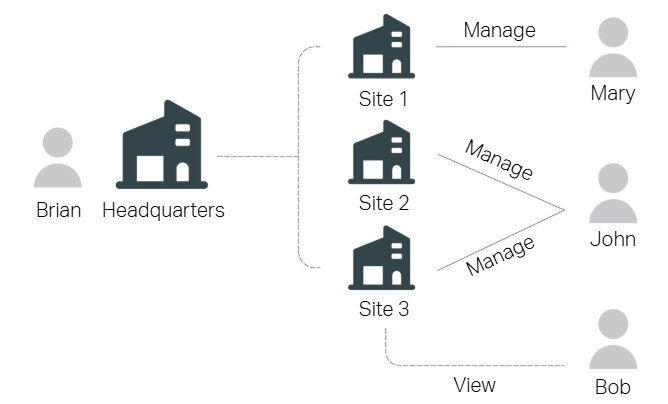
Multi-User Privilege Management
Assign different roles such as Admin, Viewer, Live Only to users for each site, ensuring proper access control and easier management.
Practical Monitoring Features
Includes useful features like a visual dashboard, up to 64-channel live view, playback by time or event, map monitoring, and centralized event management for efficient monitoring across all sites.

3. Easy to Deploy and Maintain
Lightweight Designer Tool for Quick Project Proposal Creation
The VIGI Designer Tool helps you plan camera setup, choose products, and generate project proposals quickly—ideal for installers and pre-sales teams.
Intelligent Filters for Rapid Product Selection
User-Friendly Interface Design
Professional Monitoring Coverage Display
Intuitive Image Clarity Display
2D/3D View for Accurate Installation Simulation
Generate a Project Proposal in Minutes


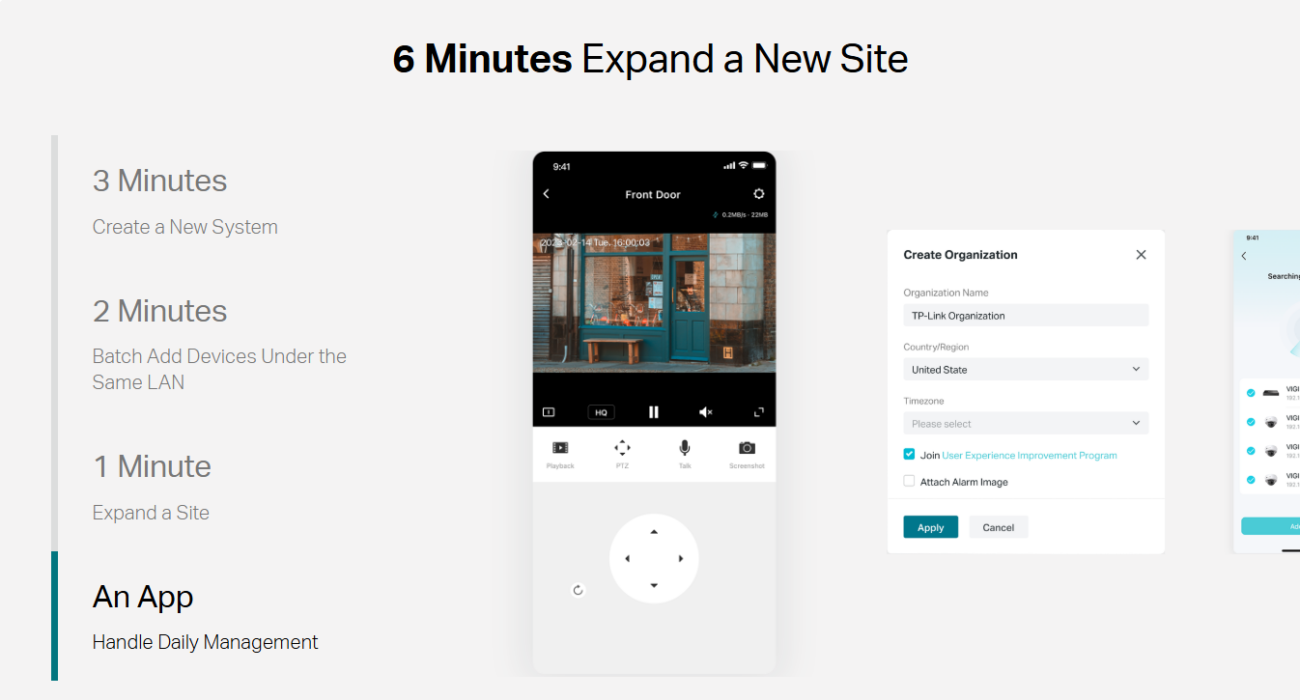


AWS-Based Reliability
Hosted on Amazon Web Services (AWS) and maintained by TP-Link, ensuring stable performance, high availability, and strong security.

Typical Topology
